



AI Email Assistant for Law Firms

Email is the lifeblood of a legal practice.

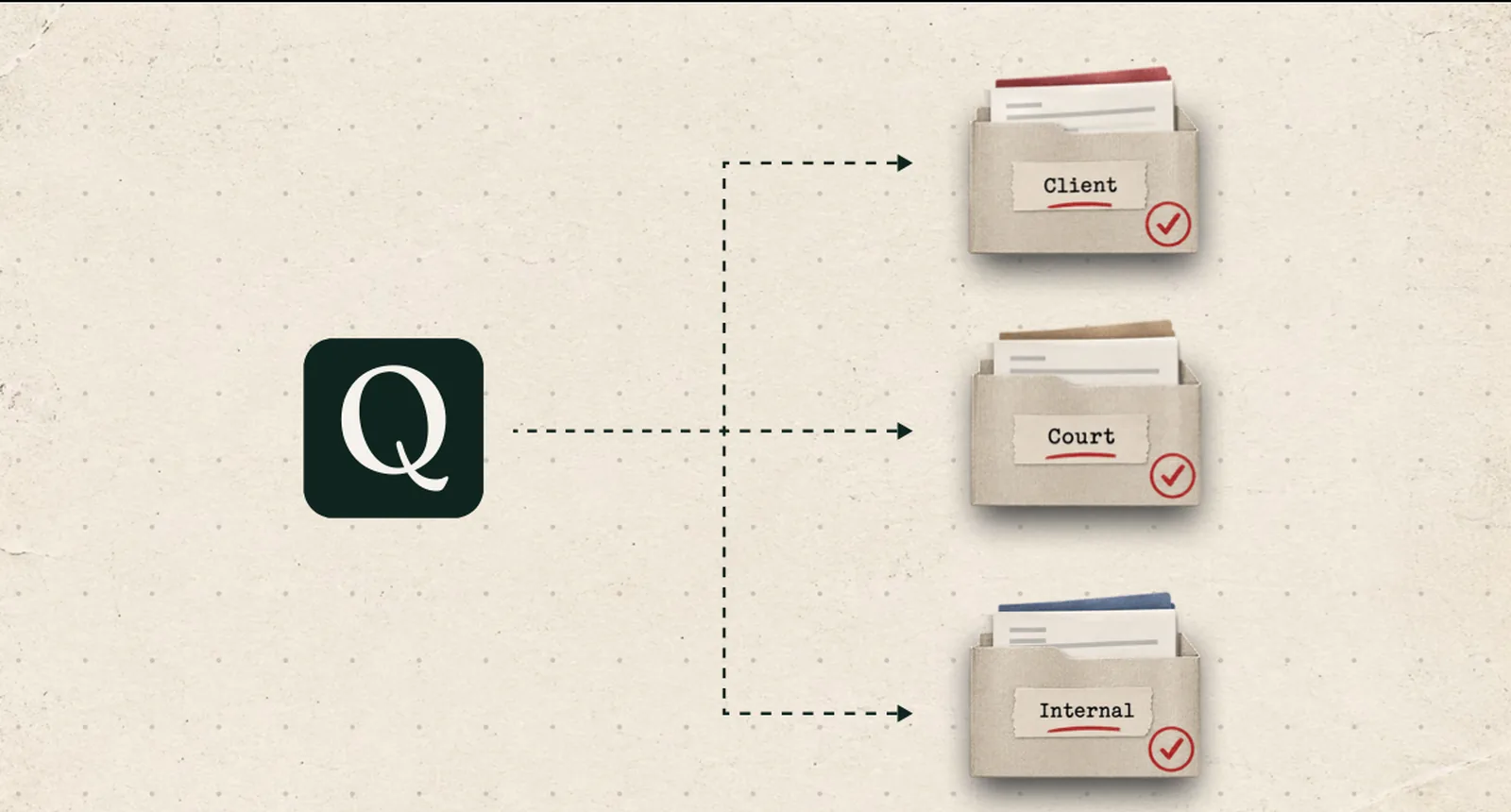
Quiet is the AI email assistant that tells you which emails need your attention, performs Tasks that report on your matters and get you up to speed, and files the rest away.

Attorneys can receive 50 to more than 1,000 emails a day. Your inbox can't distinguish between what is and isn't important. Quiet can.

  • Runs in your Azure tenant
  • Built on Microsoft Graph
  • No training on your data
  • Entra ID SSO
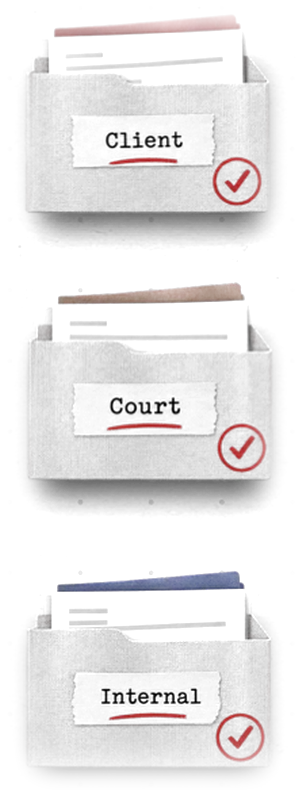
FIG. 01Frames from the film's storyboard. Silent; the full cut is in production.

Why Quiet · 01

Email isn't a productivity problem.
It's a liability.

Email was built to send and receive messages,
nothing more.

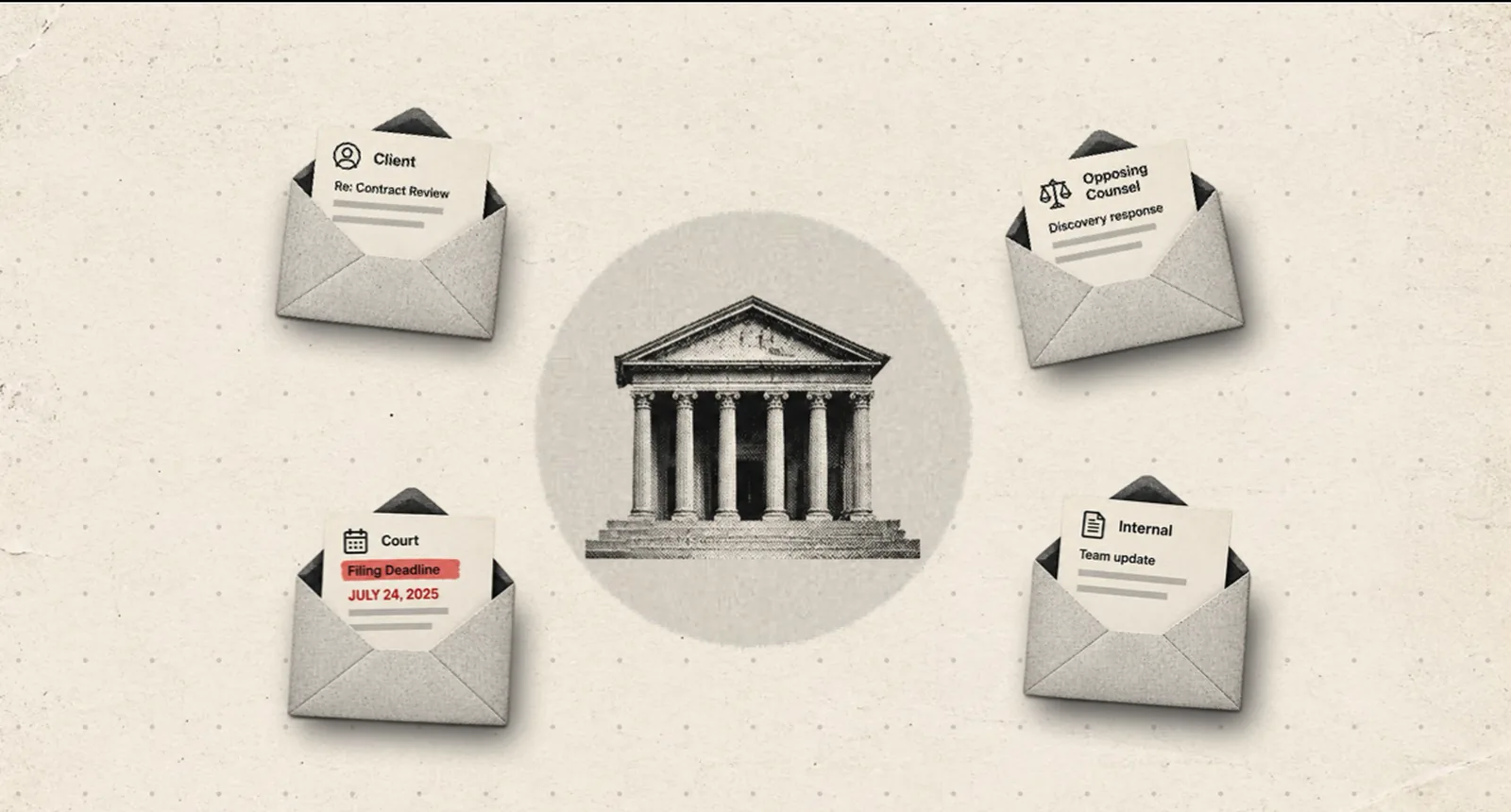
Law firms run on email. Cases start, continue, and end there. An inbox can't distinguish urgent from routine, so the one thing that matters gets buried under everything that doesn't.

  1. 01
    Nothing files itself.Filing to the right matter is manual, so a large share of it never happens.
  2. 02
    Priority isn't visible until it's too late.Nothing distinguishes an urgent response from routine correspondence until someone actually opens it.
  3. 03
    When something goes wrong, the record isn't there.A missed deadline, a discovery dispute, a malpractice claim: the correspondence trail is the evidence, and it's scattered across a dozen inboxes.

That's not a productivity problem. It's a liability, one that touches cases, clients, and sometimes more.

FIG. 02The one that can't be missed is buried in a hundred that can.
The Arithmetic
Time recovered, per timekeeper~45 min/day
Billable days per year×220
Standard rate range×$250–600/hr
Recovered capacity, per timekeeper, per year
$41K–$99K
Modeled from published standard rates across attorneys, associates, and paralegals; a "timekeeper" is anyone whose time is billed. Thomson Reuters / Georgetown 2026 State of the US Legal Market.

The Product · 02One day with Quiet

Simple by design. Five things. Nothing else.

Quiet isn't built to do everything. It's purpose-built to do one job well: manage your inbox.

07:45FIG. 03

Your briefing is waiting in Teams before you've opened Outlook. Overnight mail is filed. Two items need you; the rest can wait.

Lives where you already work.

No new tools to learn: Quiet integrates with your email and lives inside Teams, the same way any other conversation does.

09:12FIG. 04

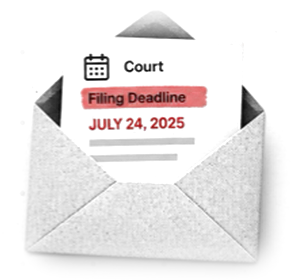
A clerk's notice lands with a deadline in it. Quiet flags it the moment it arrives, not at the next briefing.

Flags urgent items the moment they land.

Urgent items are flagged and routed the moment they land, not on the next briefing cycle.

11:30FIG. 05

You ask about a matter in plain words. The answer comes from the firm's correspondence, not just your own inbox.

Answers matter-scoped questions.

Ask it directly and get an answer grounded in your firm's own correspondence, not a guess, and not just your own inbox.

14:30FIG. 06

The afternoon's mail is filed to its matter in SharePoint as it arrives, in the folder structure your firm already keeps.

Files each email to its matter.

Files every email to the right matter automatically, so the whole team's correspondence stays complete and searchable.

16:00FIG. 07

You ask for a chronology. Quiet gathers the thread, orders it by date and hands you a draft to review.

A Task runs on the record.

Ask for a chronology, a status report or a tracker and Quiet assembles it from the correspondence it has already filed: a draft in the format the court, carrier or client expects. See the Tasks Library.

17:30FIG. 08

The second briefing closes the day: what moved since morning, what's still open, what can wait.

Two briefings a day.

A prioritized briefing at 8 AM and 5 PM, tuned to what actually matters to you, not a generic digest.

FridayFIG. 09

On Friday, the promise you made in an email on Tuesday comes back to you before it's due, and the one made to you is tracked the same way.

Tracks commitments.

Every promise made in an email thread becomes a reminder that actually fires when it's due, in either direction.

Where It Runs · 03

Your email never reaches us.

Quiet installs inside your firm's own Azure subscription and reads mail there, using the resource your firm already approved. There's no server of ours that your client email passes through.

See the full architecture & security review
01Tenant isolation
Runs inside your Azure subscription. Nothing is copied out. Your data never leaves your compliance boundary.
02Same approval Copilot already has
Uses the Microsoft AI models and agreement your firm has already approved; the thinking just happens inside your tenant, not Microsoft's.
03Matter-scoped retrieval
Every action is scoped to a specific matter, read from your DMS structure. Quiet does not cross matter boundaries.
04Ethical walls, enforced structurally
Mirrors your firm's Intapp Walls or iManage Security Policy Manager configuration, per user, per matter.
05Tamper-evident audit log
Every AI action (retrieval, summary, filing decision) is hash-chained and exportable for your ethics committee.
06Aligned with ABA 512
Built to the supervisory obligation under Rules 1.1, 1.6, and 5.1/5.3, not retrofitted to it.

Most firms already have ethical walls on paper. Few have them enforced in the software people actually use day to day. Quiet enforces them the same way your DMS does: structurally, not by policy.

See the full architecture & security review

Integrations

Works with the systems you already run.

Quiet reads your firm's existing structure instead of asking you to adopt a new one.

FIG. 11From Quiet outward: the document and practice-management systems it reads and files to.

Precedents · Tasks Library

Quiet already knows your inbox.
Tasks act on it.

We call this the Tasks Library. A Task is a repeatable job Quiet runs for you: gather the correspondence, reconstruct the timeline, and produce a ready-to-review draft in the format a court, a carrier, or a client expects.

Practice area

Plate 01Compiler

Discovery Dispute Chronology

Today

3–6 hours per motion, reconstructed by hand from a scattered opposing-counsel correspondence trail.

With Quiet

A dated chronology and labeled exhibits, ready to attach to the declaration.

Plate 02Tracker

Litigation Hold Acknowledgment Tracker

Today

Weeks of manually logging each custodian's acknowledgment and re-sending follow-ups by hand.

With Quiet

A live list of custodians with acknowledged/outstanding status, flagging non-responders automatically.

Plate 01Tracker

Closing Checklist Status Report

Today

2–3 hours a day during the closing sprint, rebuilt from a 200-email-a-day reply-all thread.

With Quiet

A live status table (item, owner, status) updated automatically as replies come in.

Plate 02Digest

Diligence Findings Report

Today

Half a day to a full day consolidating findings across IP, employment, real estate, and contracts workstreams by hand.

With Quiet

A first-draft findings memo organized by workstream, ready for partner review.

Plate 01Tracker

Lender Conditions Tracker

Today

Roughly six hours across a financing closing, tracked by hand across 10–20 separate counterparty threads.

With Quiet

A condition-by-condition status log, cut to about an hour in a real deployment.

Plate 02Compiler

Closing Binder Compiler

Today

3–5 hours assembling an indexed binder of executed documents, the title policy, and recording confirmation.

With Quiet

A compiled, indexed closing binder, ready for client delivery.

Plate 01Digest

Adjuster Status Report Draft

Today

30–45 minutes per report, repeated across a caseload of 50–100+ matters every week.

With Quiet

A draft status report scoped to activity since the last one, ready to review and send.

Plate 02Tracker

Medical Records Intake Tracker

Today

A case manager checks 5–8 separate provider threads by hand, every week, for weeks.

With Quiet

A per-provider intake checklist showing status and what's outstanding.

Plate 01Extractor

Court & DIP Deadline Digest

Today

Up to an hour a day triaging 100–200 emails during an active Chapter 11 case just to catch buried deadlines.

With Quiet

Every deadline extracted automatically, feeding straight into the morning briefing.

Plate 02Compiler

Regulator Correspondence Chronology

Today

4–8 hours to reconstruct a board-ready chronology once one is actually requested, because no record is kept in real time.

With Quiet

A dated, privilege-tagged chronology with attachments linked, board-ready on demand.

The Tasks Library is live and growing. Pilot firms get direct input into which practice area we build out next.

See the pilot program

Pilot Program · 04

Pilot program live now

Start a 60-day pilot with your practice group.

No deck, no demo week, no obligation: just your practice group's real inbox, live for 60 days.

No logos yet. Here is what a pilot looks like, week by week.

  1. W1
    Install. Quiet is deployed into your Azure subscription and connected to the practice group's mailboxes and Teams. Nothing leaves your tenant to do this.
  2. W2
    Observation. Quiet reads and predicts filings silently. Nothing moves. We compare its calls with what your people actually do.
  3. W3–4
    Supervised. Quiet files the confident cases and asks in Teams about the rest. Each answer teaches it your firm's structure.
  4. W5+
    Autonomous. Filing, briefings, flags and commitments run on their own. You decide whether the next practice group joins.

Throughout, you have the founders' direct line, not a support queue.

Premium
$75/seat/mo
Local inference, for matters that can't touch the cloud
  • Every timekeeper is a seat. Attorneys, associates, paralegals, case managers: the whole practice group.
  • One practice group. Structured to prove value fast, not a firm-wide rollout on day one.
  • Founder-level access. Direct contact from day one, not a support queue.

The film

The film is in production.

Until the cut is ready, here is the first message of the day: the 7:45 briefing, as it arrives in Teams.